Join in seconds
Players type a 6-digit PIN or scan the QR code. No app, no sign-up, no email address. Late arrivals can still jump in.
 QuickFire Beta
Live quizzes · Free while in beta
Build a quiz in minutes, put it on the big screen, and everyone answers on their phone. Speed points, streaks and a live leaderboard turn revision, training and team meetings into something people actually look forward to.
Features
No setup, no downloads, no fuss. Just questions, a big screen and a room full of phones.
Players type a 6-digit PIN or scan the QR code. No app, no sign-up, no email address. Late arrivals can still jump in.
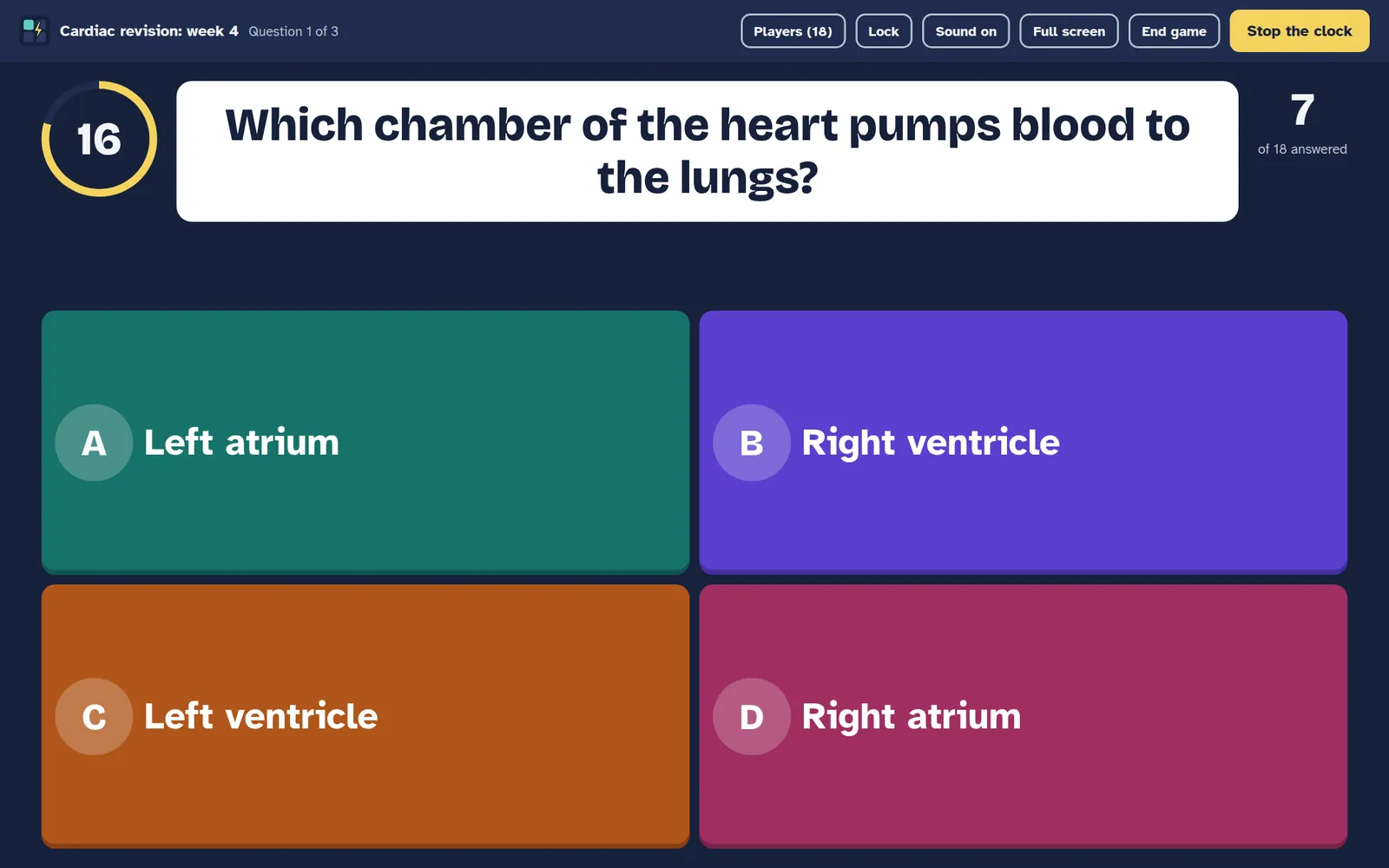
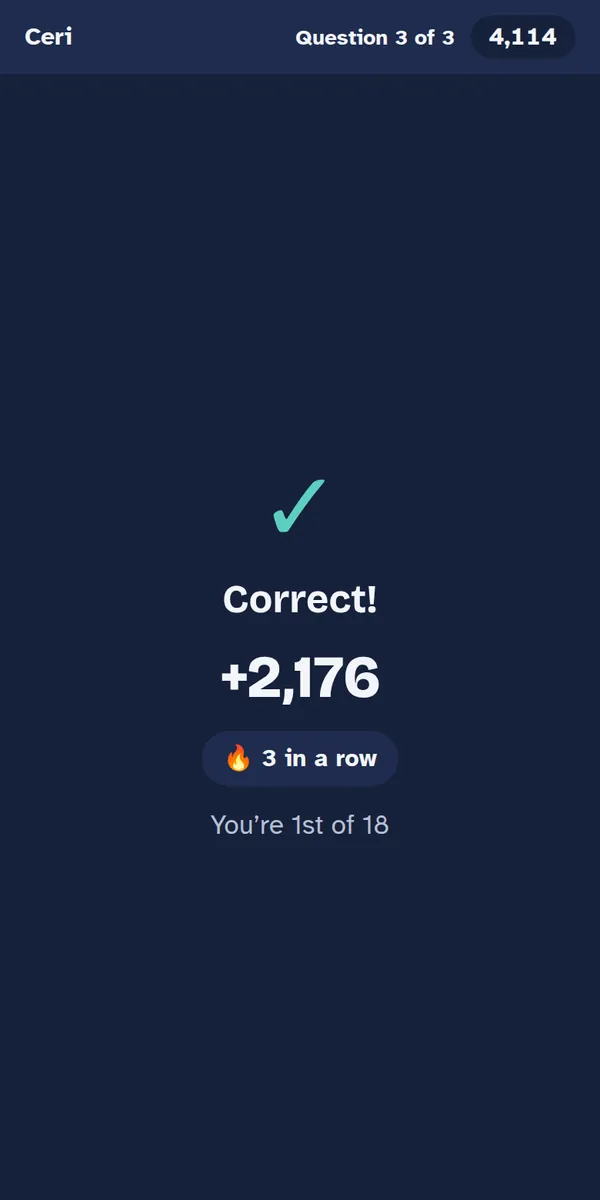
Right answers score more the faster they come in, with a bonus for answers in a row. Double-points rounds raise the stakes.
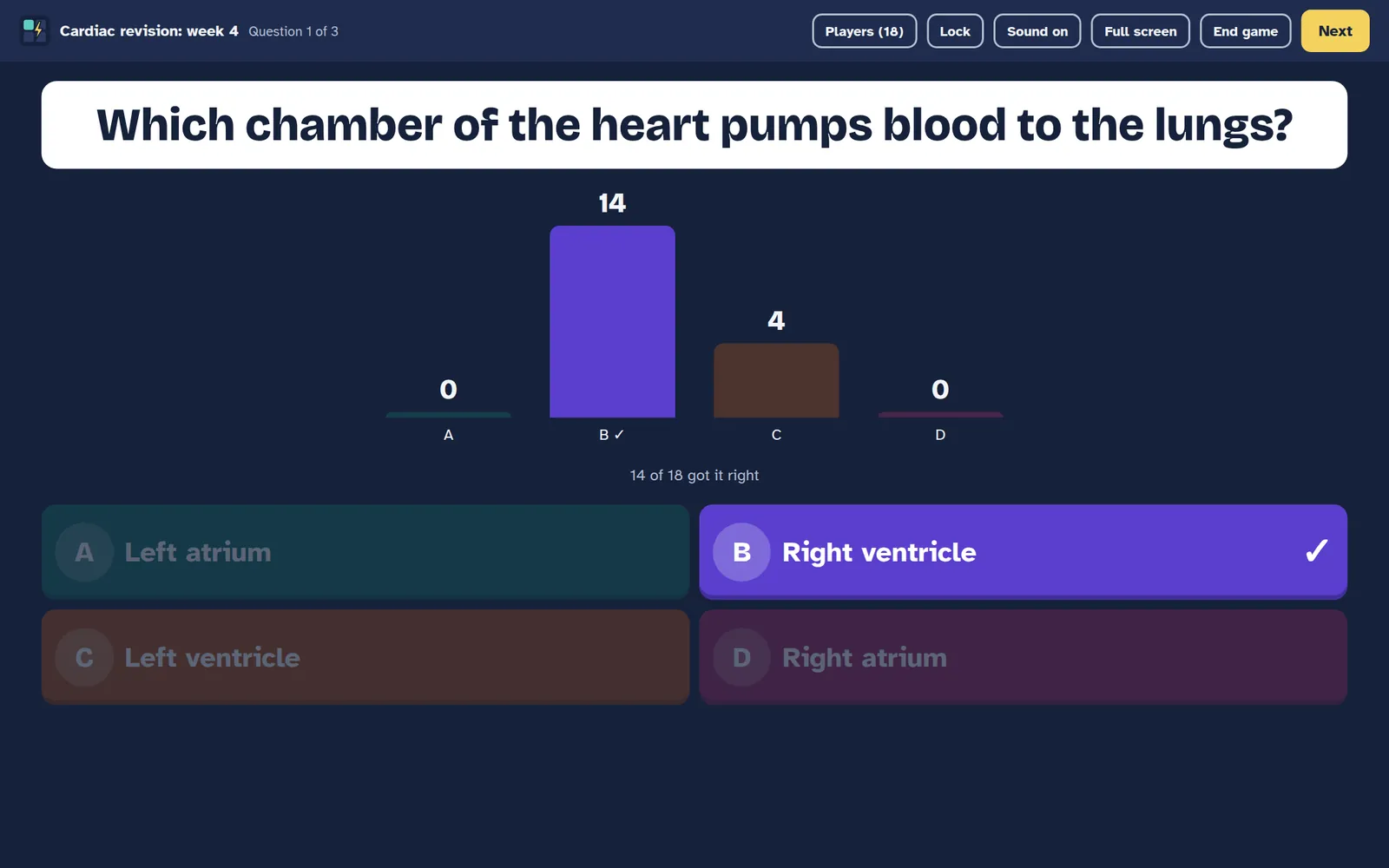
After each question the room sees how everyone answered, then a leaderboard. The game ends on a podium for the top three.
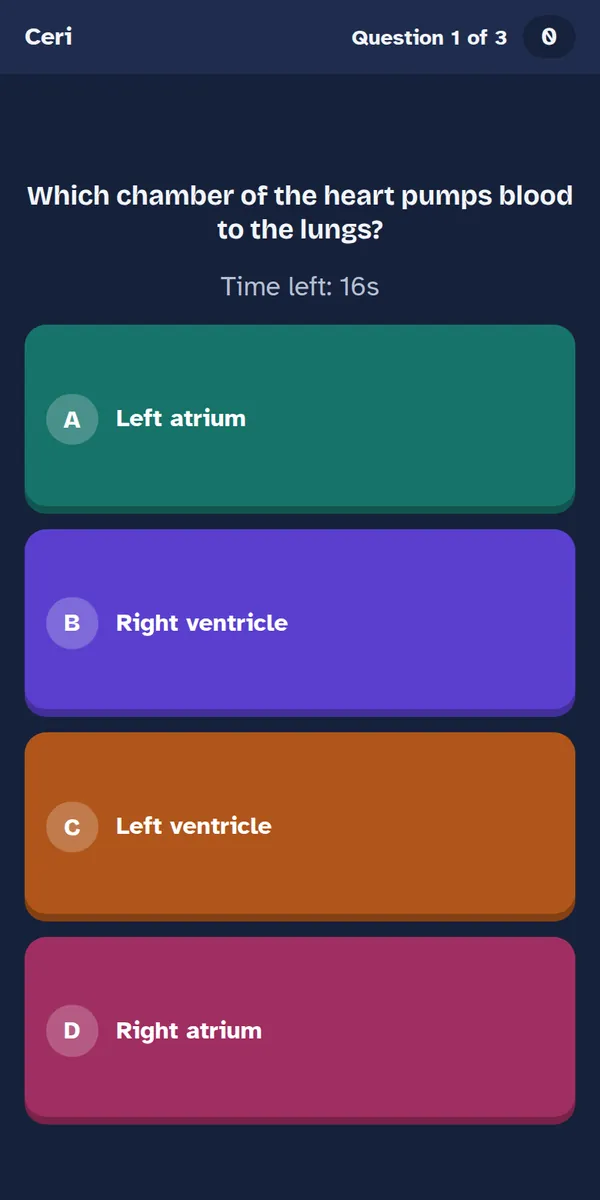
The question shows on every phone too, so it works just as well on a video call as it does in a lecture theatre.
See who scored what and which questions caught people out. Download everything as a spreadsheet in one click.
Nicknames only, a rude-name filter, one-tap remove and a lock to stop gatecrashers. Results are deleted after 90 days.
How it works
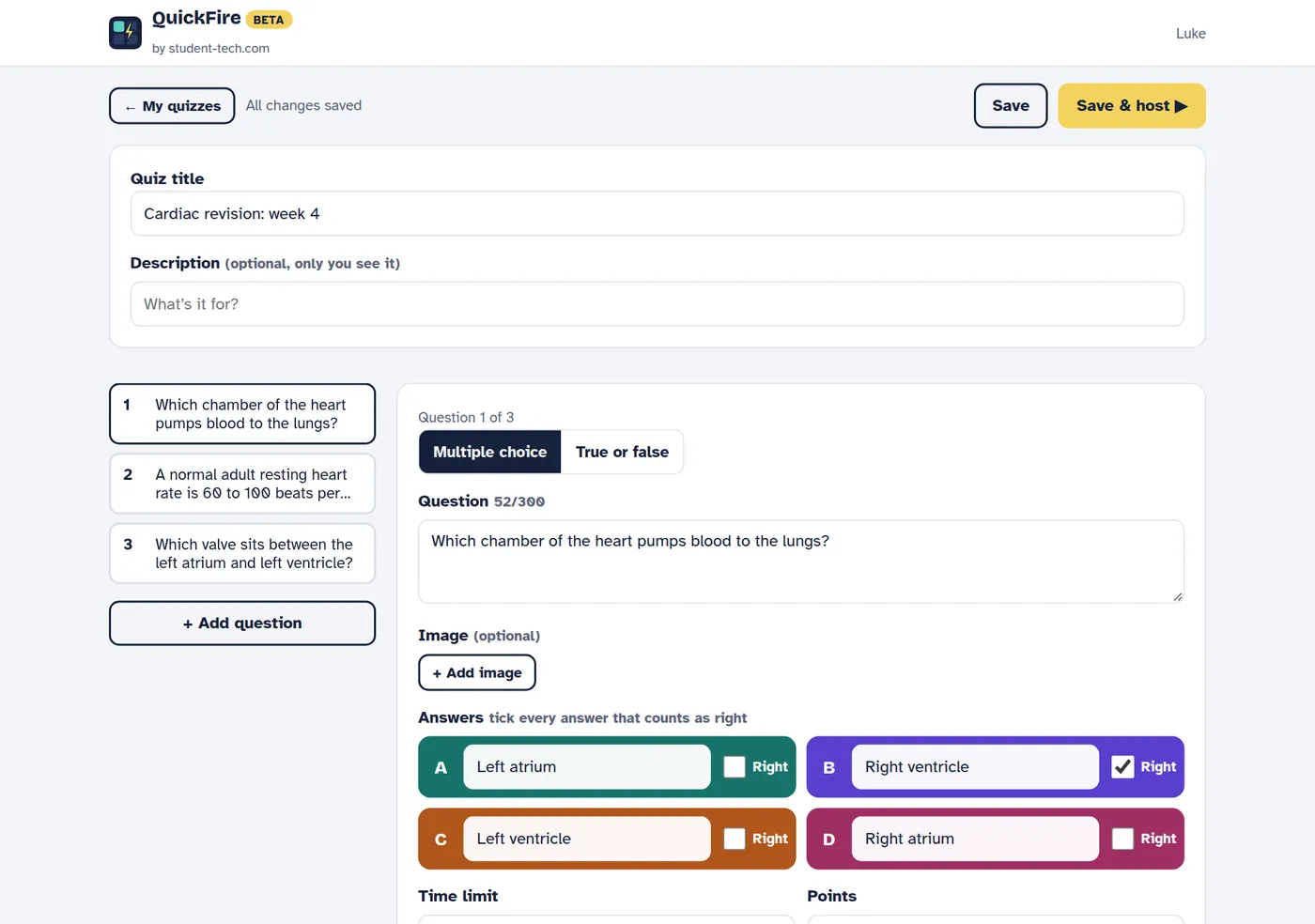
Type your questions, tick the right answers, add a picture if you like. Your account starts with a sample quiz to try.
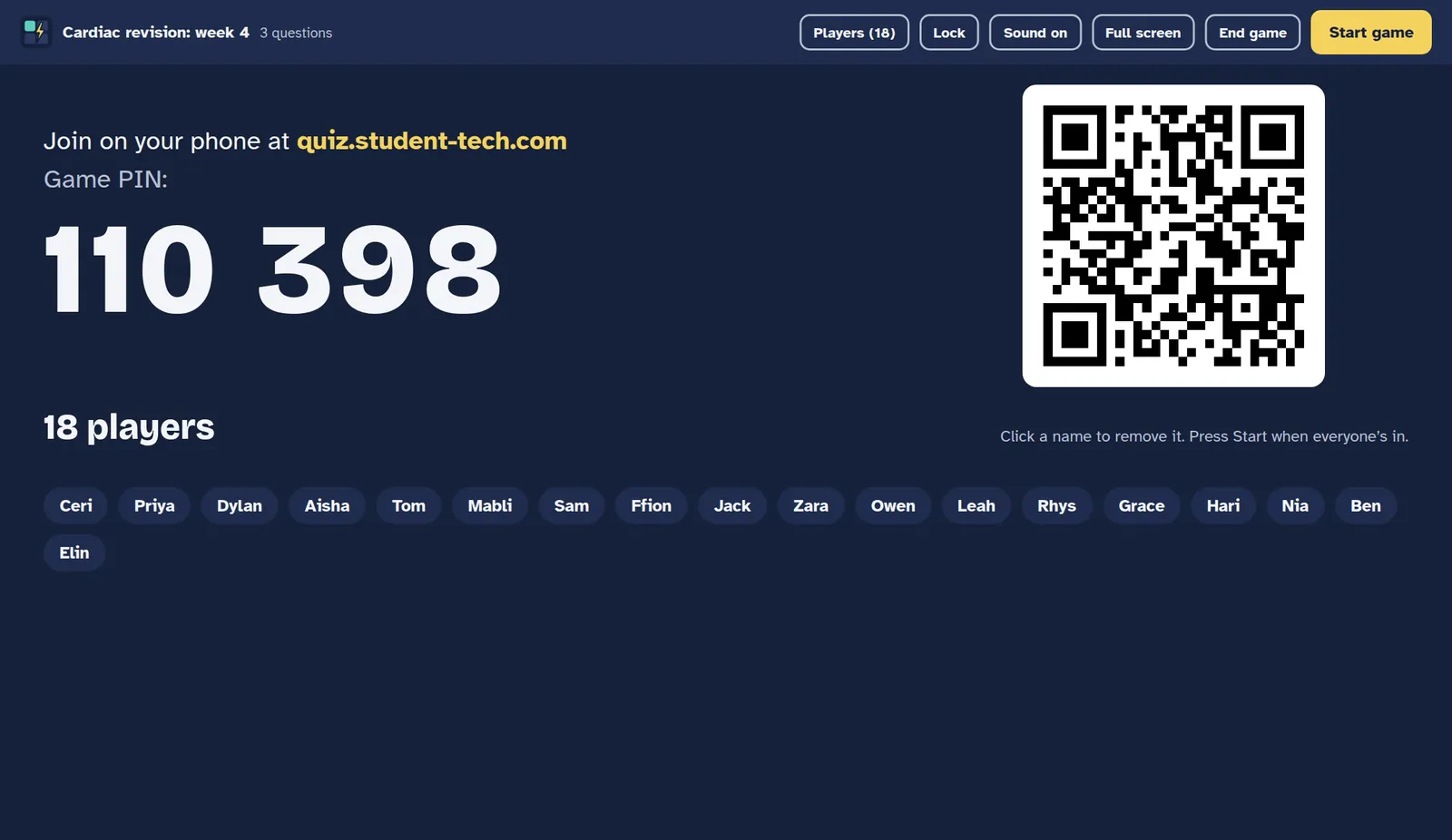
Press Host. Everyone joins at quiz.student-tech.com with the PIN or QR code and their name pops up on screen.
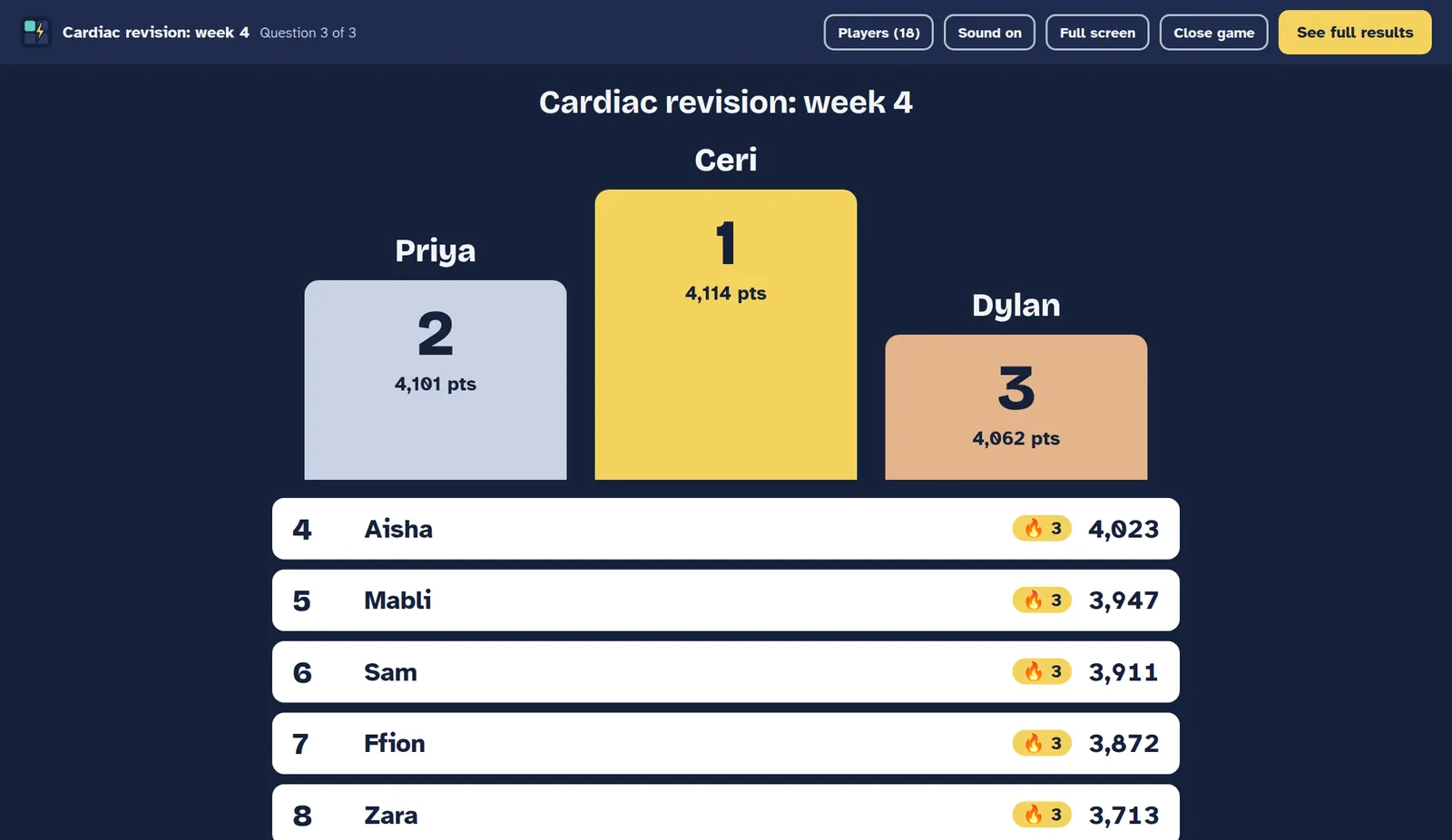
Questions, answers, leaderboard, repeat. Crown the winners, then look over the results to see what stuck.
Who it’s for
Students and educators
Check understanding at the end of a lecture, warm up a seminar, or quiz your study group before exams.
Businesses and teams
Turn compliance refreshers, onboarding and all-hands into something people take part in, not just sit through.
After every question
The big screen shows how the room answered before revealing the right one, so you can explain a tricky point while it’s fresh. When the game ends you get a full report: scores, every answer, the hardest question and a spreadsheet download.
Questions
Yes. QuickFire is free while it’s in beta, with no card needed. If we ever add paid plans we’ll tell hosts first, and you’ll never be charged unless you choose to pay.
No. Players open quiz.student-tech.com in any web browser, type the PIN (or scan the QR code) and pick a nickname. Only the host needs an account.
Up to 500 players in one game, which is enough for a full lecture theatre or a company all-hands.
Yes. Share your screen as the big screen. The question and answers also show on every player’s phone, so nobody has to squint at a shared screen.
They just open the page again. Their phone remembers their seat, so they rejoin as the same player with their score kept.
Players only give a nickname, rude names are blocked, and the host can remove anyone or lock the game. Nothing is shown to advertisers and results are deleted after 90 days. Read our privacy notice.
Sign up and a sample quiz is ready to host straight away. Free while in beta.